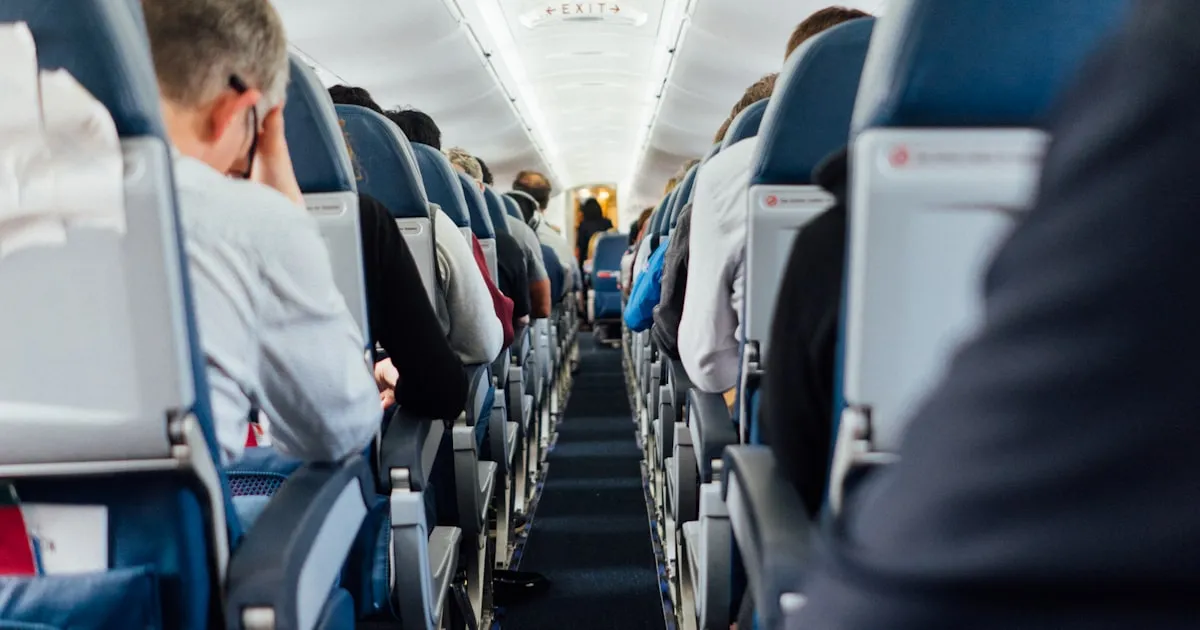
One of the most common questions among United Airlines frequent flyers is: “How does the upgrade waitlist actually work?” The answer involves multiple factors, and understanding them can significantly improve your chances of landing that complimentary upgrade.
How Complimentary Upgrades Work
United Airlines offers complimentary upgrades to Premier members on eligible domestic and short-haul international flights. These upgrades are from Economy to United First (domestic) or from Economy to United Business on select routes.
When you check in for an eligible flight, you’re automatically placed on the upgrade waitlist. Your position on that list determines whether you’ll clear before departure.
The Priority Hierarchy
United’s upgrade algorithm considers several factors in this order of priority:
1. Elite Status Level
This is the single most important factor. The hierarchy from highest to lowest:
- Global Services — United’s invite-only top tier (virtually always clears)
- 1K — Highest published tier
- Platinum — Mid-upper tier
- Gold — Entry-level upgrade eligible
- Silver — Eligible for paid upgrades only on most routes
Within each tier, additional factors break the tie.
2. Co-Brand Credit Card Status
Among members of the same elite tier, those holding certain United co-brand credit cards receive a boost:
- United Club Infinite Card holders get priority within their tier
- United Quest Card holders receive a smaller boost
- Other United card holders may receive marginal benefit
3. Fare Class
The fare class you booked in Economy matters. Higher fare classes (Y, B, M) receive priority over deeply discounted fares (K, L, T, etc.). This means that a 1K member who booked a full-fare Economy ticket will clear ahead of another 1K member on a deeply discounted ticket.
4. MileagePlus Revenue
Among members at the same status level with the same fare class, United considers your total annual spending. Members who generate more revenue for the airline tend to clear ahead of those who spend less, though this factor carries less weight than status and fare class.
5. Check-In Time
When all other factors are equal, the member who checked in first clears first. This is why many frequent flyers set alarms to check in exactly 24 hours before departure.
Types of Upgrades
Understanding the different upgrade mechanisms helps you maximize your chances:
Complimentary Premier Upgrades (CPU)
- Who: 1K, Platinum, and Gold members
- Routes: Domestic and select short-haul international
- Cabin: Economy to First
- When they clear: Starting 24 hours before departure, rolling through gate close
Regional Premier Upgrades (RPU)
- Who: 1K members (receive 40 per year), Platinum (receive 20 per year)
- Routes: Flights within North America
- Cabin: Economy to First
- Advantage: Higher priority than CPU — these clear before complimentary waitlist
Global Premier Upgrades (GPU)
- Who: 1K members (receive 6 per year)
- Routes: Long-haul international and premium transcontinental
- Cabin: Economy to Business/Polaris, or Business to Polaris
- Advantage: Can be used on any international United-operated flight
Systemwide Upgrades
- Who: Earned through high spending or elite challenges
- Routes: Any United-operated flight worldwide
- Cabin: Upgrades one cabin class
- Advantage: Highest instrument priority after Global Services
PlusPoints
- Who: 1K and Platinum members earn these annually
- Routes: Domestic and international
- Cabin: Varies by route, confirms at time of request or waitlists
- Advantage: Can confirm upgrades at booking, not just waitlist
Tips to Improve Your Upgrade Chances
Book Upgradeable Fares
Not all Economy fares are eligible for complimentary upgrades. Basic Economy (N class) tickets are never upgrade-eligible. When booking, check that your fare class qualifies.
Check In at Exactly T-24
Set a reminder to check in precisely 24 hours before departure. The upgrade waitlist becomes active at this point, and your position is partially determined by check-in time.
Use Upgrade Instruments When Available
If you have RPUs, GPUs, or PlusPoints, applying them to a flight gives you higher priority than the complimentary upgrade waitlist. Use them strategically on flights where the upgrade cabin is likely to have availability.
Fly During Off-Peak Times
Midweek flights (Tuesday, Wednesday) and early morning or late evening departures typically have lower upgrade demand. Weekend and holiday flights are the hardest to clear on.
Monitor Upgrade Availability
The United app shows the upgrade waitlist position and the number of available seats in the premium cabin. If you see a flight with significant premium cabin availability, your chances are excellent.
Choose Routes Wisely
Some routes consistently have better upgrade clearance rates than others. Smaller markets and less popular routes tend to offer better odds than competitive routes like SFO-EWR or ORD-LAX.
When Upgrades Clear
The upgrade processing timeline typically works like this:
- T-24 hours: Waitlist becomes active at check-in
- T-24 to T-6 hours: Upgrades may clear as the airline releases premium seats for upgrades
- T-6 hours: Major wave of upgrades often processes
- T-2 hours to gate close: Final clearing happens as no-shows and last-minute changes create availability
Don’t lose hope if you haven’t cleared by the time you arrive at the airport. Many upgrades clear at the gate in the final minutes before departure.
Frequently Asked Questions
Does booking directly with United improve upgrade priority?
Booking directly through United.com, the app, or calling United reservations ensures your upgrade request is properly registered. Bookings through third-party sites may still be eligible but require you to manually request the upgrade after booking.
Can I upgrade a Basic Economy ticket?
No. Basic Economy (N class) fares are not eligible for any type of upgrade — complimentary, instrument-based, or paid.
Do companion upgrades work the same way?
When a Premier member has a companion on the same reservation, the companion can be upgraded alongside the member. However, both travelers must clear together, which requires two available seats in the premium cabin.
What happens if I don’t clear the upgrade?
You fly in the cabin you originally booked. There’s no penalty for being on the upgrade waitlist, and your upgrade instruments (RPUs, GPUs) are returned if the upgrade doesn’t clear.
Does elite status earned through credit card spending count the same?
Yes. Whether you earn Premier status through flying, credit card spending, or a combination, your elite tier and benefits are identical for upgrade priority purposes.
También Te Puede Gustar
United Airlines 1K Member International Phone Numbers: Complete Guide
A comprehensive list of United Airlines international phone numbers for 1K elite members, plus tips for getting faster service when calling from abroad.

Disneyland Travel Guide: Tips and Tricks for a Better Visit
Practical tips for visiting Disneyland in Anaheim, CA. From maximizing Fastpass to navigating food options and Downtown Disney, here's what you need to know.
American Airlines Elite Rewards & Stretch Programs: How They Work
An overview of American Airlines AAdvantage Elite Rewards and stretch programs that offer bonus miles, upgrades, and other perks for exceeding elite qualification thresholds.